

1
Open a List or Records view
Navigate to a saved List, or filter records from People, Companies, or Audiences.
2
Review your filtered view
Check that the list includes the right people or companies.Sort by columns (e.g., Intent Score or Last Activity) if you want to prioritize the order of exported records.
3
Export to CSV
Click the Export button and select Export to CSV. Your file will download automatically.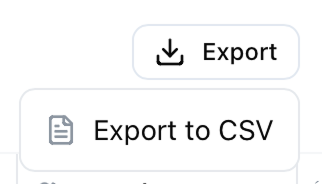
What’s included in the export?
People exports include:- First Name, Last Name, Position, Seniority
- Company, Company URL, Location
- LinkedIn URL
- Signals Count, Last Interaction
- Company Name, Industry, Company Size
- Location, Revenue, Funding Stage
- Website, LinkedIn URL
- Signals Count, Engaged People Count, Last Interaction