> ## Documentation Index
> Fetch the complete documentation index at: https://docs.clearcue.ai/llms.txt
> Use this file to discover all available pages before exploring further.
# Search
> Quickly find any person or company across your workspace.
Find any person or company instantly using **Global Search**, available from anywhere in the app.
## Open Global Search
You can open it in two ways:
* Press **⌘K** (Mac) or **Ctrl+K** (Windows/Linux) from anywhere in the app.
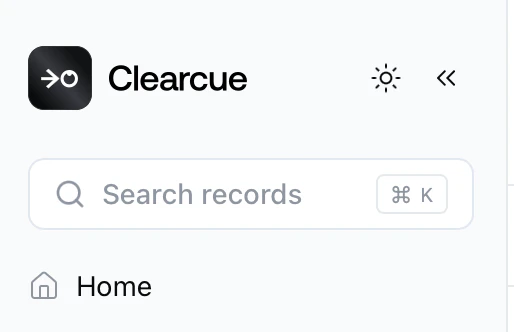
* Click the **Search records** bar at the top of the sidebar.
 ## Search and navigate results
Start typing a name and results appear instantly, grouped into **People** and **Companies**. Each result shows key context — job title and company for people, industry and location for companies — so you can identify the right record at a glance.
## Search and navigate results
Start typing a name and results appear instantly, grouped into **People** and **Companies**. Each result shows key context — job title and company for people, industry and location for companies — so you can identify the right record at a glance.
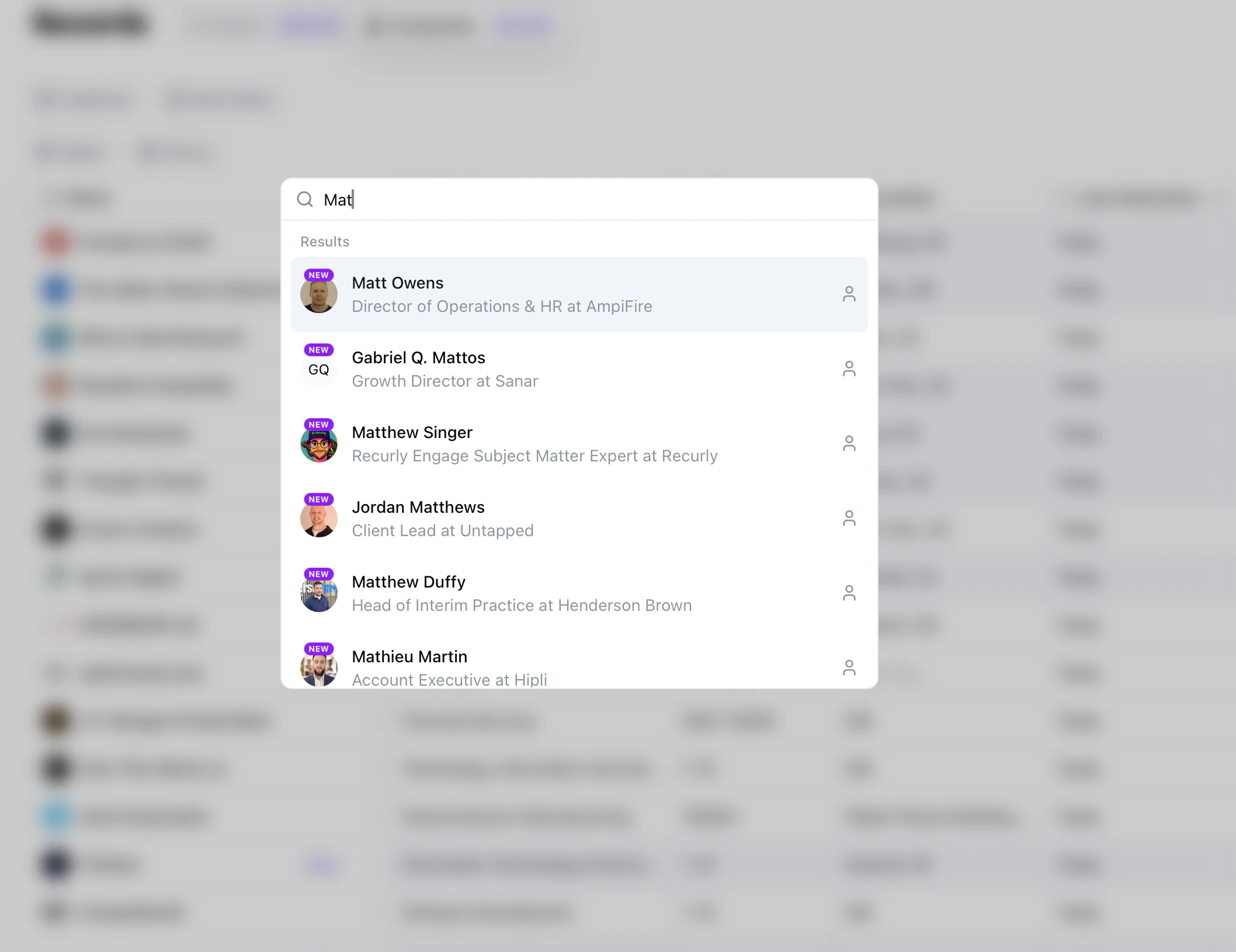 Click any result to open its full [profile page](/records/people-companies#people--company-profiles).